> For the complete documentation index, see [llms.txt](https://docs.xyb.co/llms.txt). Markdown versions of documentation pages are available by appending `.md` to page URLs; this page is available as [Markdown](https://docs.xyb.co/xyb-console/workflow-management/building-blocks-of-a-workflow/start-and-end-nodes.md).
# Start & End Nodes
#### Start Node
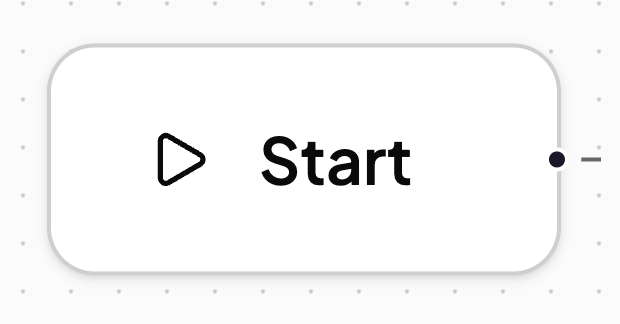
The **Start node** is the foundational block of any workflow in the XYB Console. It is automatically placed on the canvas when you create a new workflow and serves as the **entry point** for the workflow’s execution logic.
The **Start node** acts as the anchor of every workflow, it’s the point from which all logic begins and cannot be deleted. It doesn’t hold any configuration or logic itself but connects directly to a trigger node, such as an **Internal Event** or **Webhook**.
#### End Node
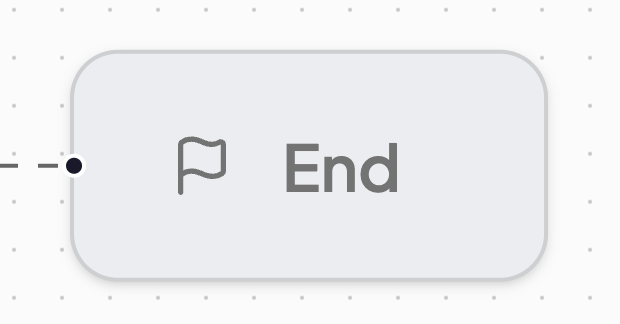
The **End node** is a **non-functional** marker that indicates the termination of a workflow path. While it does not influence the workflow’s behavior or execution, it plays an important role in improving **visual clarity**.
The **End node** marks where a branch or sequence of actions finishes, serving as a visual cue rather than a functional step. It doesn’t trigger actions or affect performance but helps teams quickly see where each process concludes. Use it in multi-branch or long workflows to make endpoints clear, improve readability, and prepare your workflow for easy review or documentation.
---
# Agent Instructions
This documentation is published with GitBook. GitBook is the documentation platform designed so that both humans and AI agents can read, navigate, and reason over technical content effectively. Learn more at gitbook.com.
## Querying This Documentation
If you need additional information that is not directly available in this page, you can query the documentation dynamically by asking a question.
Perform an HTTP GET request on the current page URL with the `ask` query parameter, and the optional `goal` query parameter:
```
GET https://docs.xyb.co/xyb-console/workflow-management/building-blocks-of-a-workflow/start-and-end-nodes.md?ask=&goal=
```
`ask` is the immediate question: it should be specific, self-contained, and written in natural language.
`goal` is optional and describes the broader end goal you are ultimately trying to accomplish on behalf of the user. GitBook uses it to tailor the answer towards what is most useful for that goal.
The response will contain a direct answer to the question and relevant excerpts and sources from the documentation.
Use this mechanism when the answer is not explicitly present in the current page, you need clarification or additional context, or you want to retrieve related documentation sections.